
What it does
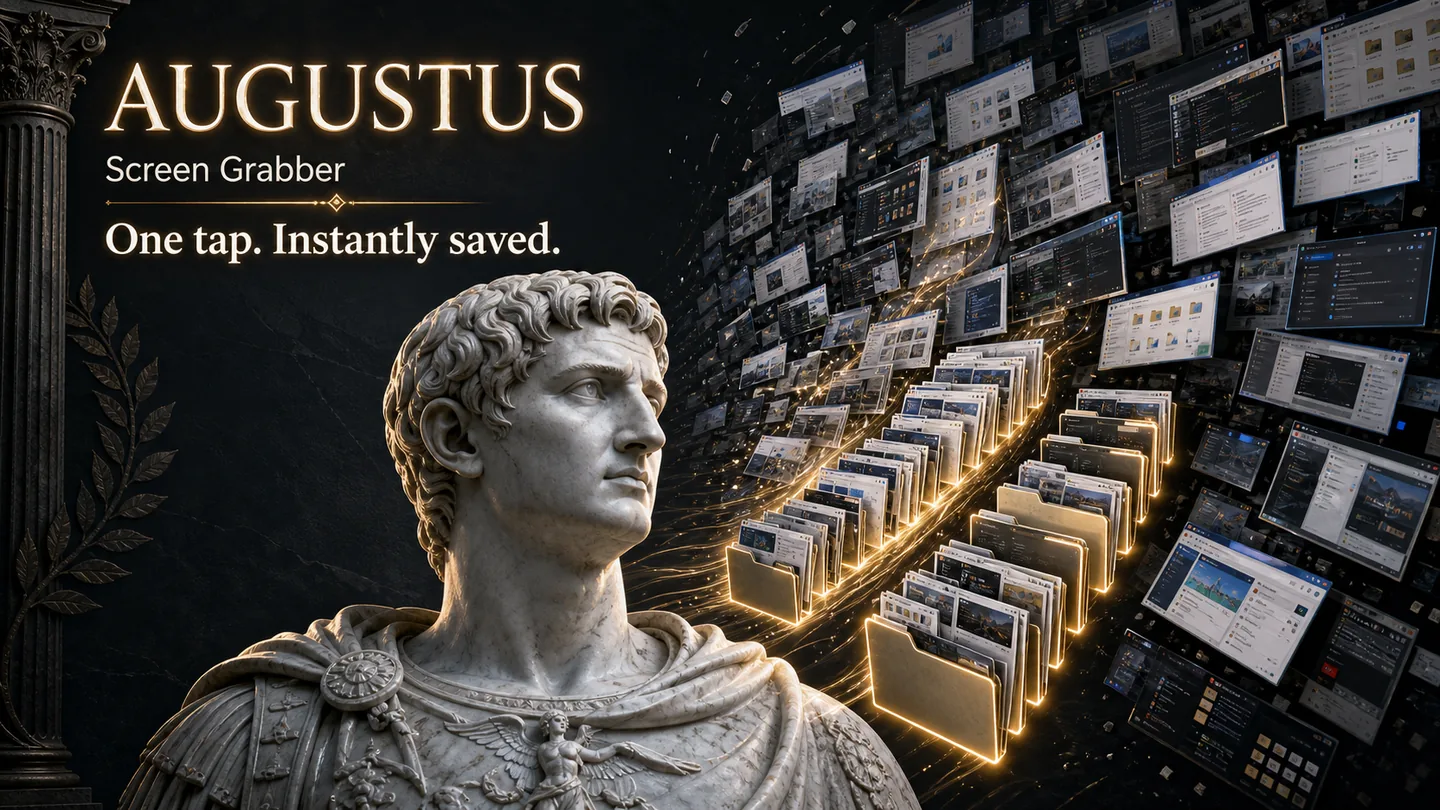
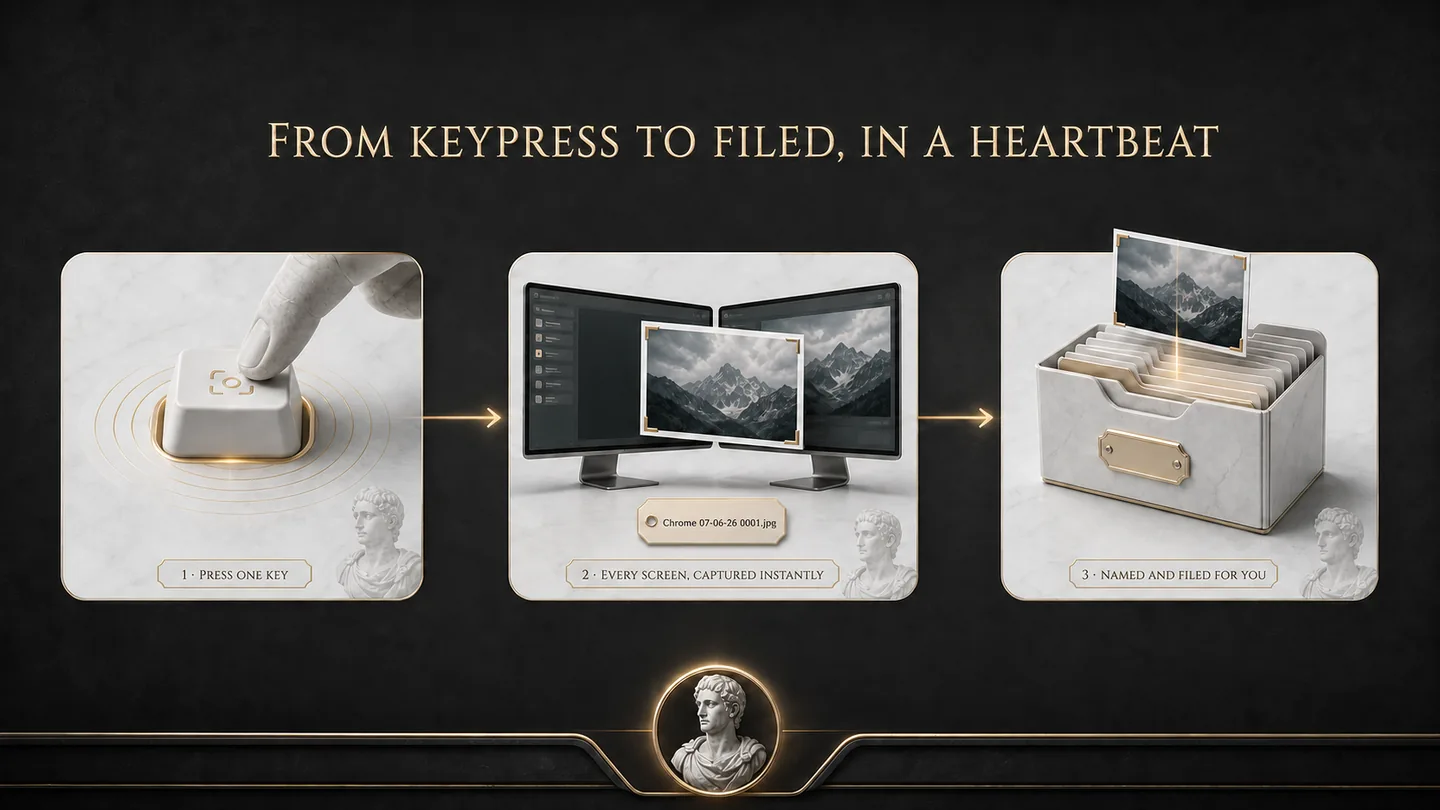
Augustus captures your screen the instant you press the button, then saves it automatically. No save dialog, no naming, no fuss. Press the key and the screenshot is already in your folder, named and numbered, before you've let go. Press it again and again and Augustus just keeps counting: 0001, 0002, 0003. Need a clean break? A second key drops a fresh folder in your Pictures folder and sends the next grabs there, so you can split a long session into separate batches as you go. It lives quietly in your system tray, using nothing, until the moment you need it.
Why it's different
Every built-in tool stops to ask you something. Where do you want to save it? What should it be called? Do you want to edit it first? Augustus asks nothing. You set your hotkey and your folder once, and from then on every grab is instant and automatic. Capture fifty screens in a row without ever touching your mouse. It is the difference between a tool that interrupts you and a tool that disappears.
Features
- Press-to-grab hotkey. Any key you choose, Print Screen by default.
- No save dialog, ever. The shot lands straight in your folder.
- Automatic numbering. Every grab counts up: 0001, 0002, 0003, perfect for rapid back-to-back capture.
- A second key starts a fresh folder, on demand. Press it whenever you want a clean break and Augustus makes a new folder in your Pictures folder, then saves the next grabs there. Capture a batch, press for a new folder, capture the next. You decide where each batch begins; it does the filing.
- Choose your own location and filename style. Set it once, forget it.
- Lives in the system tray. Always ready, never in your way.
- 100% local and private. No cloud, no account, no data sent anywhere.
- Per-user Windows installer. No admin rights, no bloat.
- One-time purchase. No subscription.
Who it's for
Support reps and QA testers documenting bugs. Writers and researchers grabbing references all day. Teachers and trainers building step-by-step guides. Content creators capturing frames. Anyone who has ever pressed Print Screen, opened Paint, pasted, and sighed. If you take more than a handful of screenshots a day, Augustus pays for itself in the first hour.
System requirements
Windows 10 or 11 (64-bit). Per-user install, no administrator rights required.
How to buy
Click the Buy Now button below. Your licence key and download link arrive by email straight after purchase. Install, pick your hotkey, and you're grabbing screens in under a minute.