
What it does
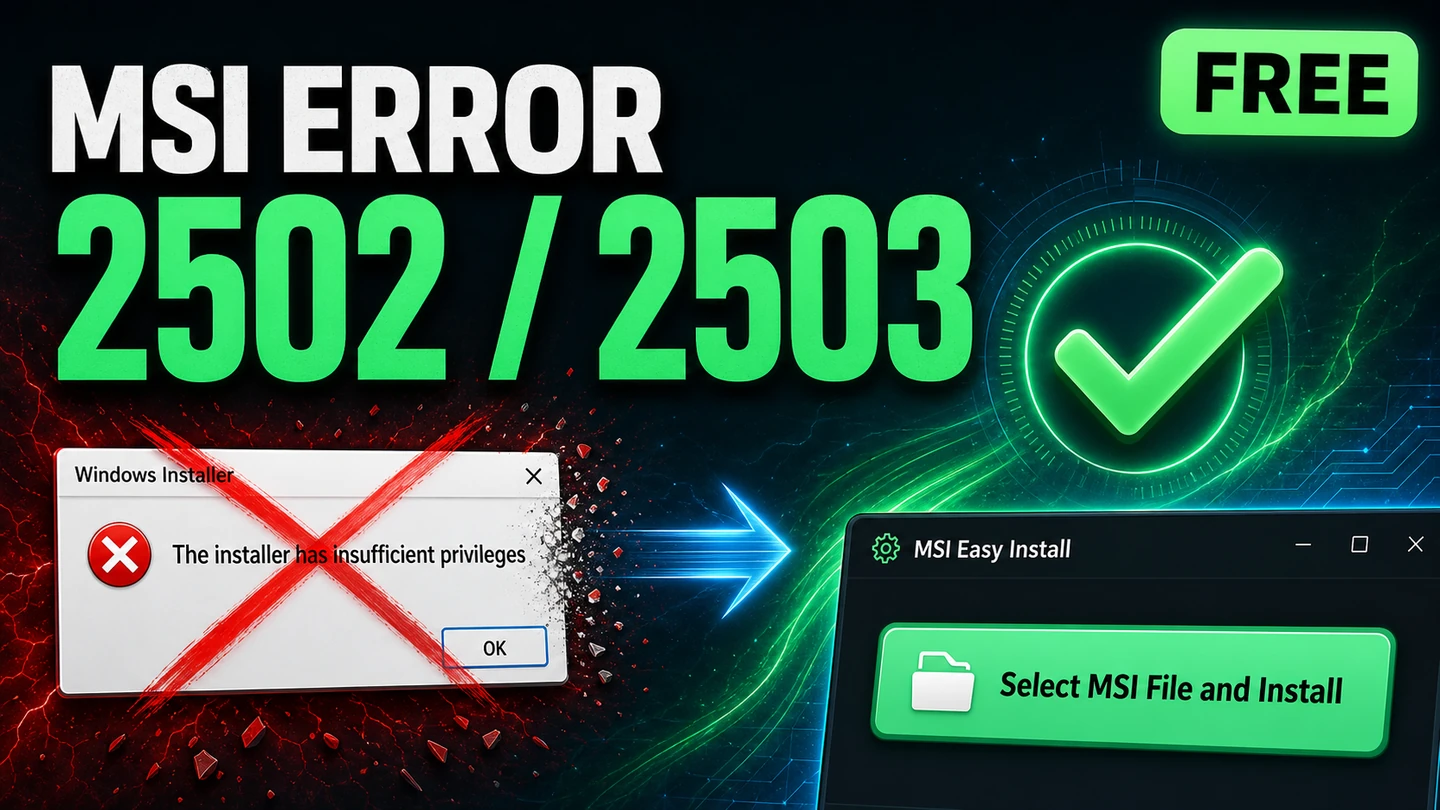
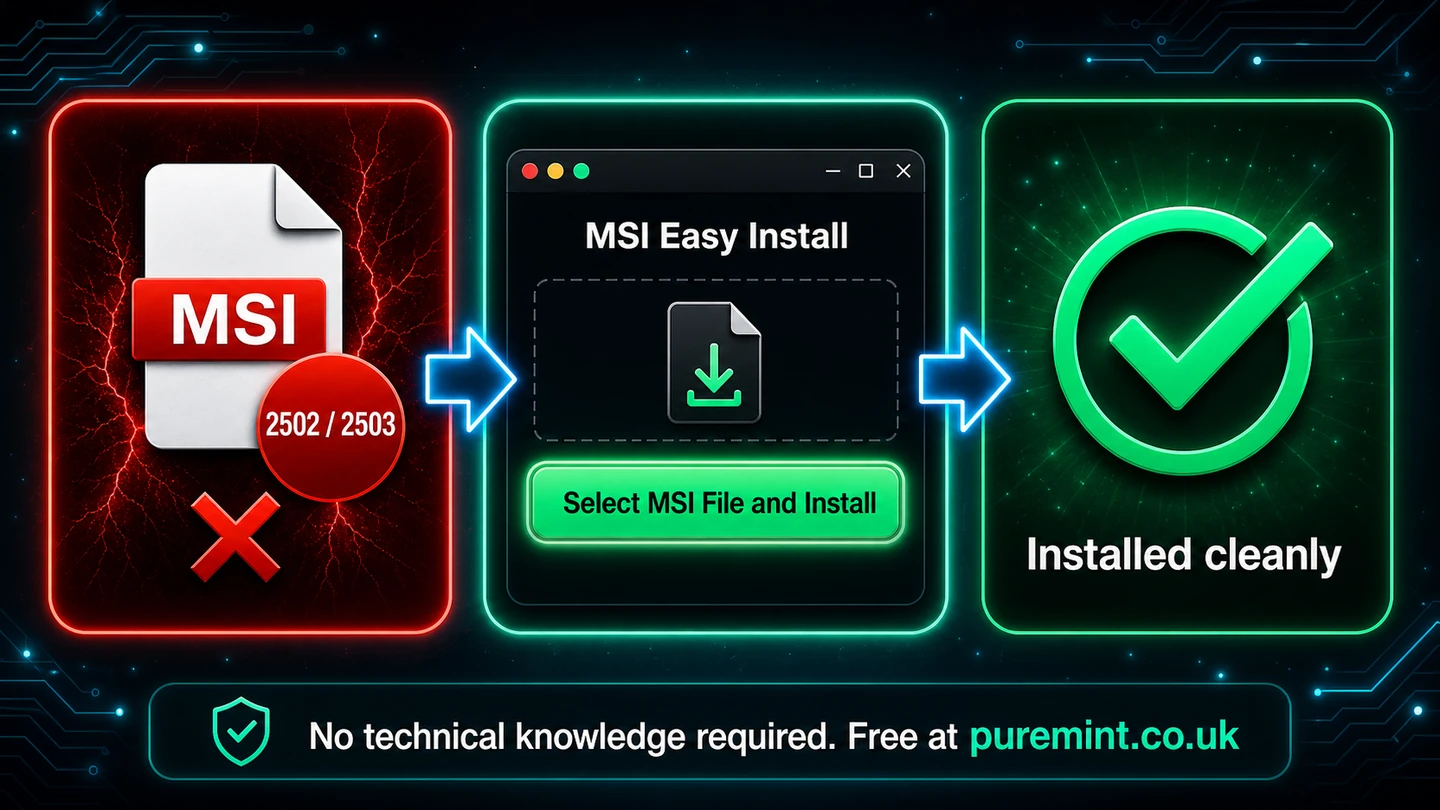
You went to install something on Windows, double-clicked the MSI, and got slapped with error 2502 or 2503. Maybe both. It isn't a virus and you haven't broken anything. MSI Easy Install fixes it. Open the app, pick your MSI file, and it installs cleanly, with no 2502 and no 2503. If Windows still puts up a fight, one extra click sorts it. Then you're up and running with the program you actually wanted.
Why it's different
The usual fixes for 2502 and 2503 send you down a rabbit hole: open an elevated command prompt, type out a msiexec line, edit folder permissions, restart the Windows Installer service. That's a lot to ask of someone who just wanted to install a program. MSI Easy Install does all of that quietly for you. You point it at the MSI, it handles the elevation and the install in the right way, and it tells you plainly when it's done. No command line, no registry edits, no forum threads.
Features
- Fixes errors 2502 and 2503. The two most common Windows Installer failures, handled in one go.
- Just pick your MSI file. One window, one button, then it installs cleanly.
- One extra click if Windows resists. A simple repair step for the stubborn cases.
- No command line, ever. No
msiexec, no elevated prompt, no typed commands. - No registry edits, no permissions hunting. It does the right thing under the hood.
- No technical knowledge required. If you can pick a file, you can use it.
- Clean single-window app. Nothing to learn, nothing to configure.
- 100% local and private. No cloud, no account, nothing sent anywhere.
- Pay what you want. Free if you're skint. Tip what it's worth if it saved your day.
- Per-user Windows installer. No admin rights to install, no bloat.
Who it's for
Anyone who has hit error 2502 or 2503 trying to install software on Windows and just wants it gone. People installing apps on a new or locked-down PC. Folks following a download from a vendor whose MSI refuses to run. Anyone who searched the error code, found a wall of command-line instructions, and thought there has to be an easier way. There is.
System requirements
Windows 10 or 11 (64-bit). Per-user install, no administrator rights required to install the app.
How to get it
This one is pay what you want. Click the Buy Now button and set whatever amount you like at the checkout. Zero is completely fine. Your download arrives by email straight after. If MSI Easy Install saved you a headache, please consider chipping in what it was worth to you. It keeps Pure Mint going and keeps free tools like this coming.